
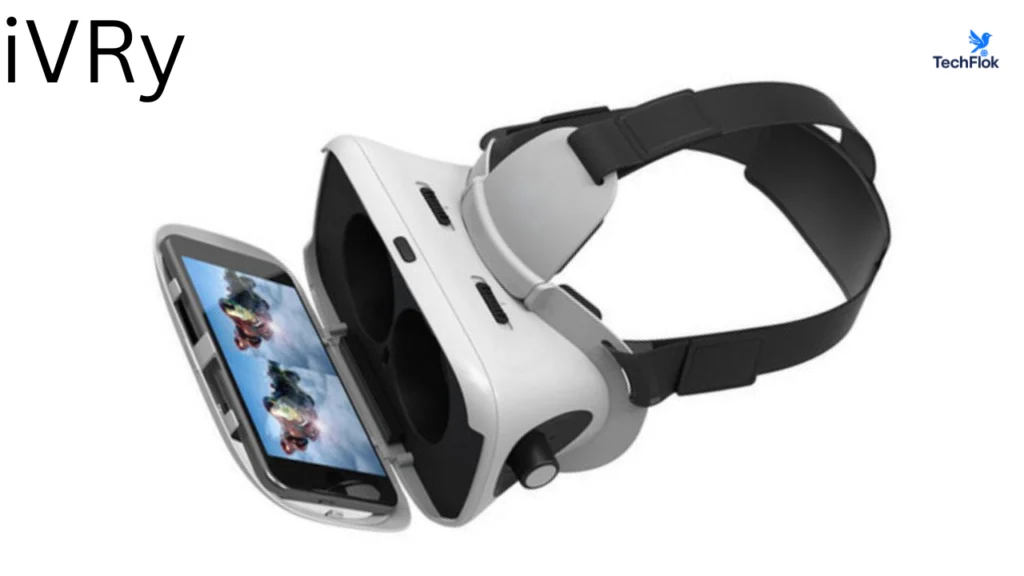
iVRy is a virtual reality app that turns your smartphone into a VR headset for PC games and applications. It connects directly to SteamVR, so your phone can be detected by SteamVR just like a real VR headset.
In simple terms, iVRy helps you experience PC virtual reality without buying an expensive headset. If you already have an Android phone and a simple VR viewer like Google Cardboard, you already have most of what you need.
What does iVRy actually do?
Modern smartphones have sharp displays and built-in motion sensors. iVRy uses these features to turn your phone into a SteamVR-compatible VR display.
Once connected, your phone shows the virtual world, and your head movements control what you see inside the game or application. The connection uses a native, high-performance SteamVR driver, so there is no need for extra manager apps or complex background software.
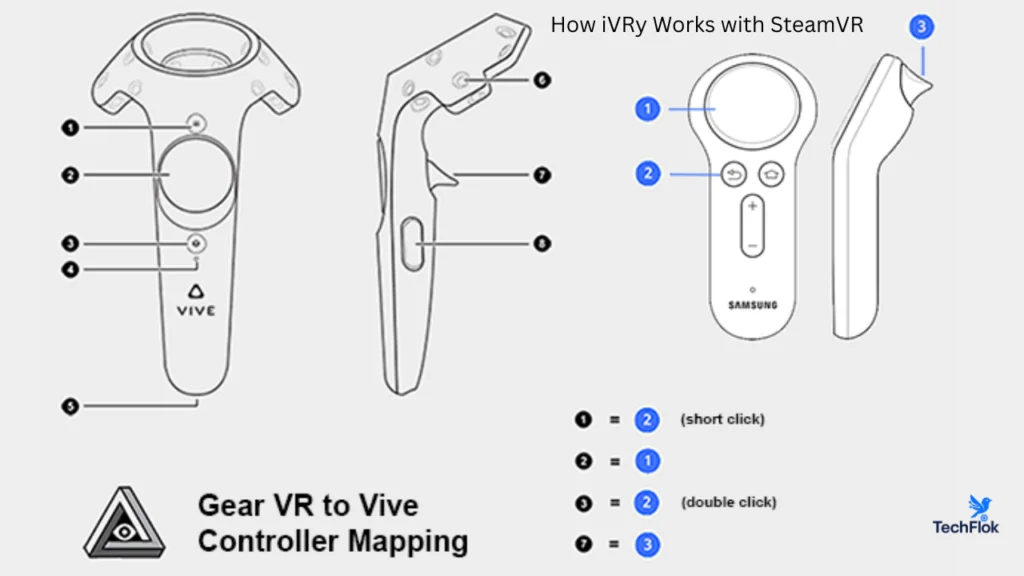
How iVRy works with SteamVR
iVRy uses Valve’s OpenVR system to integrate directly into SteamVR. After installing the iVRy SteamVR driver on your PC, SteamVR recognizes your phone as a VR headset.
This direct integration improves stability and performance and makes setup much easier for beginners.
To use this app, you need:
- A Windows PC running Windows 7 or later
- Valve Steam and SteamVR installed
- An Android phone running Android 7.0 or higher
- The iVRy SteamVR HMD Device Driver
- A phone-compatible VR headset
Wired and wireless connection options
iVRy supports both wired and wireless connections, so users can choose what works best for them.
USB wired connection
A USB connection offers better visual quality and smoother performance. It reduces lag and is recommended for longer VR sessions or games that need stable frame rates.
WiFi wireless connection
Wireless mode allows more freedom of movement. It is useful for casual VR use, but performance depends on your network quality.
iVRy automatically adjusts image quality to maintain smooth frame rates on both connection types.
Supported Devices
It is impressively versatile, supporting a wide range of hardware
- iOS & Android: Use your smartphone inside a Google Cardboard or similar VR shell.
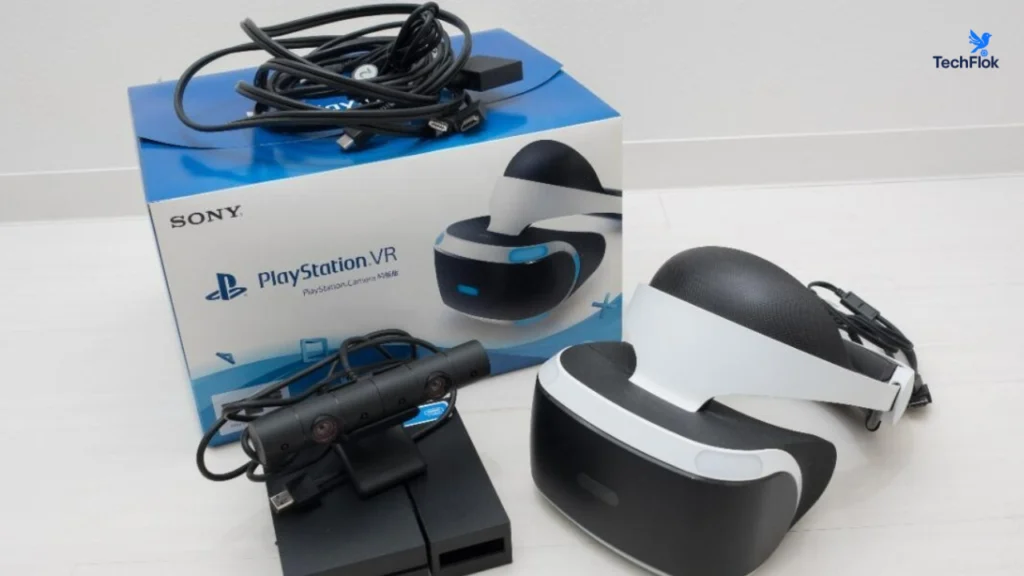
- Sony PlayStation VR (PSVR): Connect your original PSVR headset to your PC via HDMI and USB.
- Standalone Headsets: Supports Meta Quest (1 & 2), Oculus Go, Samsung GearVR, and Pico headsets.
PSVR2 (Beta): Development is currently underway to bring full PC support to the PlayStation VR2
Visual quality and comfort settings
iVRy gives users control over how VR looks and feels.
You can change video quality and performance levels, adjust vignette settings to reduce motion discomfort, and use your VR headset’s Cardboard QR code for better lens correction and field of view.
These options help tailor the experience to different phones and PC hardware.
Game and content compatibility
This game works with most SteamVR compatible PC VR titles. Many games designed for HTC Vive and Oculus Rift run smoothly when configured correctly.
Popular compatible games include:
- Robinson The Journey
- Project CARS
- Elite Dangerous
- Assetto Corsa
- Adr1ft
- Chronos
- Obduction
Oculus Rift titles can also work when SteamVR, Oculus Home, and the Revive software are installed.
Latest iVRy updates and improvements
Continues improve with regular updates. The latest version, 1.1.9.0, brings major performance, compatibility, and stability improvements across both the SteamVR driver and the mobile apps.
SteamVR driver improvements
The updated driver improves video encoding support across modern hardware. It now works better with the latest Nvidia GPU drivers and adds support for AMD APUs, Intel integrated graphics, and Intel GPUs. A software based H264 and H265 encoder is also included for broader compatibility.
USB wired handling has been improved, resulting in more stable connections. Network performance over TCP/IP has also been refined for smoother wireless streaming.
A new keyboard hotkey allows quick recentering, and several bugs have been fixed to improve overall reliability.
Mobile app improvements
The updated mobile apps introduce several useful features that improve everyday use.
Android users can now use volume keys as basic input controls. The touchscreen can also act as a laser mouse click, which helps with simple menu interaction in VR.
Support has been added for all device-supported frame rates, improving smoothness on high-refresh-rate phones. Video encoding performance and compatibility have been improved, along with better USB and network handling.
Support for newer devices has been added, and Google Cardboard has been updated to the latest version for improved lens correction and compatibility.
How to Set Up iVRy for PC VR
Setting up iVRy is straightforward, though requirements vary slightly depending on your hardware.
For Mobile (Android/iOS)
- Install the App: Download the iVRy app from the Google Play Store or Apple App Store.
- Install the Driver: Download the “iVRy Driver for SteamVR” from the Steam Store.
- Connect: Link your phone to your PC via USB (with Tethering enabled) or the same Wi-Fi network.
- Launch: Open the mobile app first, then hit “Launch” on the Steam driver.
For PSVR
- Cabling: Connect the PSVR Processor Box to your PC’s HDMI and USB ports.
- Software: Purchase the PSVR-specific DLC for the iVRy driver on Steam.15
- Calibration: Use the iVRy settings to calibrate the headset’s tracking sensors.
iVRy Lite vs Premium edition
iVRy is available in two versions.iVRY follows the a ”Try Before You Buy” Model
Lite edition
Completely free and includes all features. However, after 5 minutes of connection, the screen will begin to lose color saturation turning black and white.This allows you to test if your PC and phone are compatible before spending money.
Premium edition
The Premium edition removes this limitation and allows unlimited VR sessions. It can be unlocked through a Steam DLC or in app purchase.
Extra hardware that improves the experience
iVRy works as a headset solution, but additional hardware can improve immersion.
Recommended accessories include:
- A phone-compatible VR headset shell
- An Xbox 360 or Xbox One controller for Windows
- Additional hardware for positional tracking and motion controllers
These are optional but useful for more advanced VR use.
Is iVRy safe and reliable?
Yes. iVRy has been available since 2018 and has been downloaded by over 100000 users. It receives regular updates and active support through its official Steam community forum.
For best results, always download iVRy from official sources and avoid modified versions.
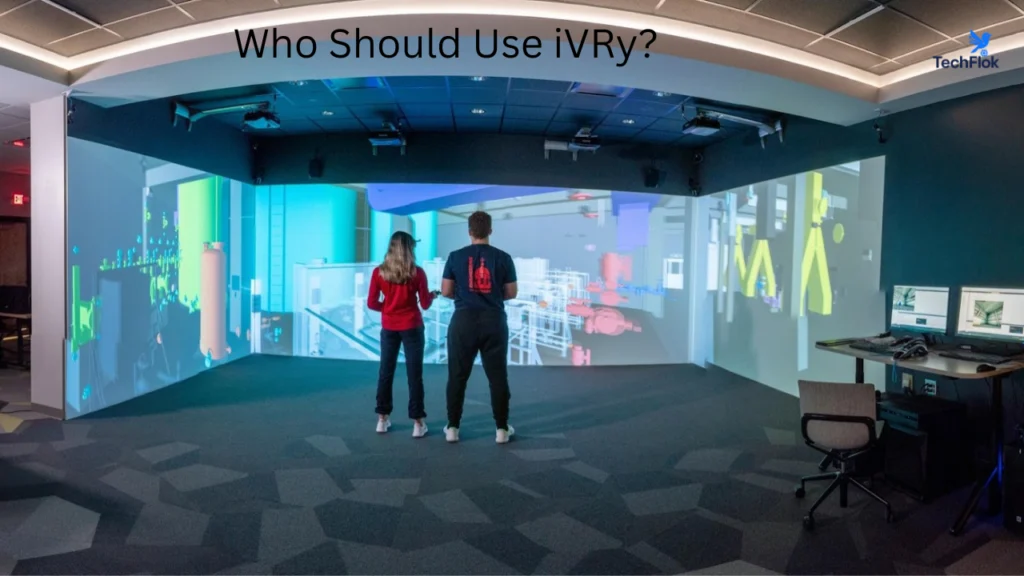
Who should use iVRy?
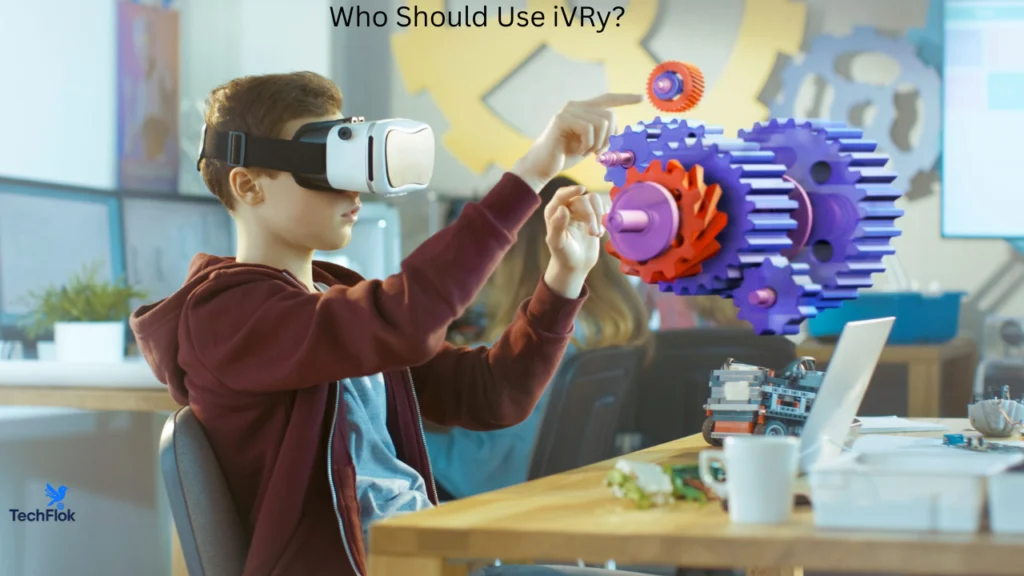
iVRy is a good option for:
- People who want to try VR without high cost
- Android users with high-quality displays
- Students and developers testing VR ideas
- Casual VR gamers
- Users who already own Google Cardboard style headsets
It is not designed to replace premium VR headsets, but it works well as an entry-level and experimental VR solution.
Conclusion
iVRy is a smart, practical way to experience PC virtual reality with a device many people already own. Turning an Android phone into a SteamVR compatible headset, it removes the biggest barrier to VR, which is cost. With support for both USB and WiFi connections, regular updates, and wide game compatibility, iVRy continues to improve over time.
While it does not replace high end VR headsets, it works very well for beginners, students, developers, and casual users who want to explore VR without a heavy investment. If your goal is to learn, test, or simply enjoy virtual reality affordably, iVRy is a reliable and flexible option.
FAQs
What is iVRy?
iVRy is a virtual reality app and PC driver that lets you use a smartphone as a VR headset for PC virtual reality. It connects your phone to your computer and allows you to experience VR content through SteamVR, without needing an expensive dedicated VR headset.
Does SteamVR support iVRy?
Yes. SteamVR fully supports iVRy.
iVRy integrates directly with SteamVR using Valve’s OpenVR system, so SteamVR detects your phone as a VR headset once the iVRy driver is installed on your PC. No extra manager or server apps are required.
Is iVRy available on iPhone and iPad?
Yes. iVRy is available for iPhone and iPad, in addition to Android devices.
iOS devices can be used with iVRy through the SteamVR driver, allowing Apple users to experience PC VR using their mobile devices, provided the system requirements are met.