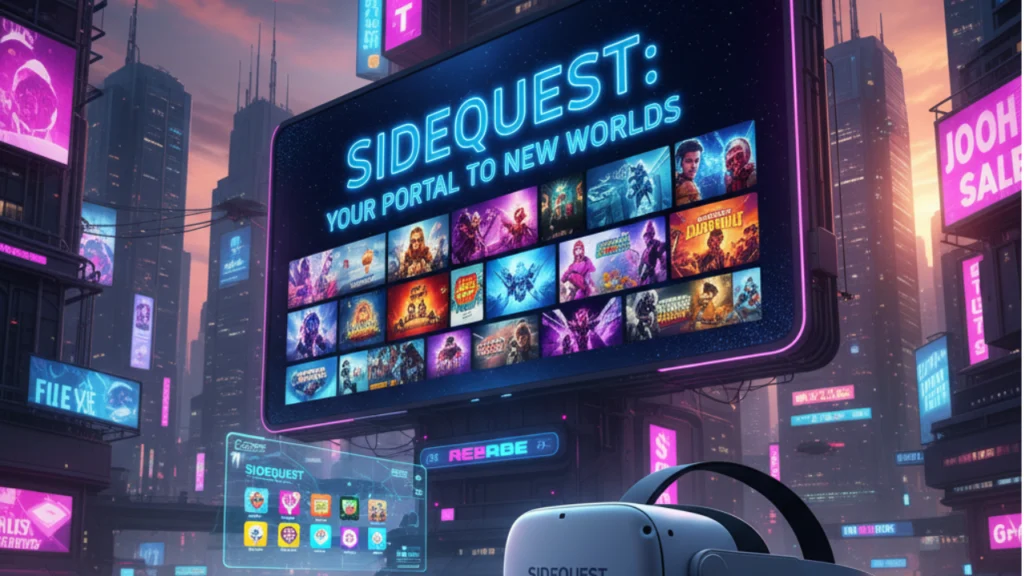
SideQuest is a popular third party platform that expands the creative boundries of Virtual reality for Meta Quest Users.It serves as an Independent app store and developer hub.It allows users to discover install and test experimental VR games.User experience many things that are not available on the official Meta Quest Store. It is built with the goal of empowering both creators and players, SideQuest bridges the gap between developers and VR enthusiasts . They are earger to explore fresh community driven content with new Ideas. SideQuest offers a gateway to the broader ,ever evolving world of Virtual Reality .
SideQuest is a discovery and distribution platform for VR content on standalone headsets. It curates App Lab titles, experimental builds, and “sideload-only” apps that push VR innovation forward. Think of it as a companion to the official store that expands the VR ecosystem with fresh ideas, mods, and early access projects.
SideQuest is also the official discovery platform for App Lab. That means you can browse, rate, and install App Lab apps from one place on the web or in the headset, then complete installs through Meta’s flow.
How SideQuest enhances the Meta Quest app ecosystem
On Meta Quest, the main store highlights polished, widely appealing titles. It adds the long tail, stronger player feedback, and a healthier pipeline from prototype to full release. For users, that means more choice and more immersive experiences.
SideQuest & Meta Quest
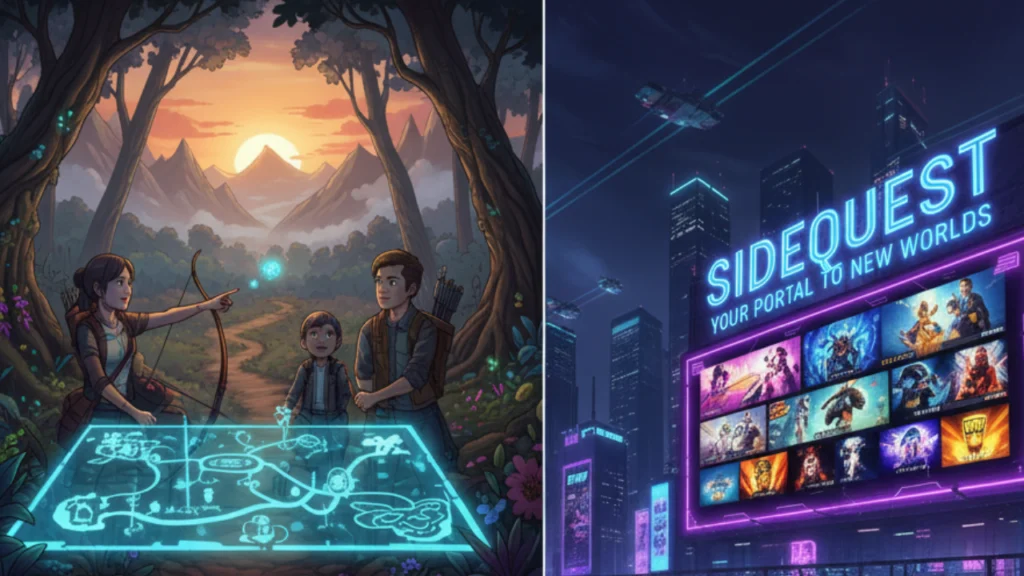
- App Lab integration. Browse App Lab on SideQuest and install with official Meta links. It’s safe, straightforward, and doesn’t bypass policy.
- Sideloading workflow. When an app isn’t on the store or App Lab, you can sideload the APK via desktop or the in-headset app after enabling Developer Mode. Then launch it from Unknown Sources in your library.
- Wireless ADB. Once you’ve paired over USB the first time, it supports Wi-Fi installs for a cable-free setup.
Important: Enabling Developer Mode is an official Meta feature for testing. Follow Meta’s steps and content guidelines.
Key Features of SideQuest
Massive Library of Community-Created Content
SideQuest hosts thousands of VR apps, from indie games to utilities that fine-tune your headset’s performance. It’s the first stop for those who crave diversity puzzle games, rhythm challenges, artistic tools, and even social hangouts. The community constantly adds new content, so there’s always something exciting to explore.
Seamless App Lab Integration
Through its direct link to Meta’s App Lab, SideQuest allows users to find and install experimental titles safely via official Meta channels. This means you can browse community-rated games and download them directly with confidence, knowing they’ve passed Meta’s basic compatibility checks.
Easy Sideloading Process
One of SideQuest’s biggest appeals is how simple sideloading has become. Once you enable Developer Mode on your headset, you can install apps with just one click. No coding knowledge is needed SideQuest handles the technical details behind the scenes.
In-Headset Experience
You don’t even need to use your computer anymore. The SideQuest VR app lets you browse, install, and manage apps directly inside your headset, keeping you immersed in the virtual world while discovering new adventures.
Wireless App Management
After initial setup, SideQuest supports Wi-Fi installs, meaning you can download and update apps without plugging in your headset. This wireless freedom makes testing new content or switching between experiences faster and more convenient.
Performance and Customization Tools
SideQuest isn’t just for downloading games it’s also packed with utilities that help you optimize your VR performance. From adjusting resolution settings to managing background processes, you can fine-tune your immersive experience for smoother gameplay and better visuals.
Developer Support and Tools
For creators, SideQuest offers analytics, user feedback, and easy publishing tools. Developers can share alpha versions, test new concepts, and collect community responses before pushing to App Lab or the main store. This makes it an ideal launchpad for aspiring VR developers.
Benefits of Using SideQuest
For Players:
- Explore a wider world of VR content. Experience games, mods, and creative experiments not found on the official store.
- Stay ahead of trends. Try groundbreaking ideas months before they go mainstream.
- Enjoy full control. Adjust performance settings, try fan-made updates, and shape your own VR journey.
- Support indie creators. By downloading their projects, you help developers grow and keep the VR community thriving.
For Developers:
- Fast, frictionless publishing. Upload projects in minutes without waiting for lengthy approvals.
- Real player feedback. Gather reviews and analytics directly from your target audience.
- Direct connection with fans. Build loyal communities who believe in your work from the start.
- Pathway to the Meta Quest Store. Many successful titles like Gorilla Tag began on SideQuest before becoming global hits.
How to install and use SideQuest
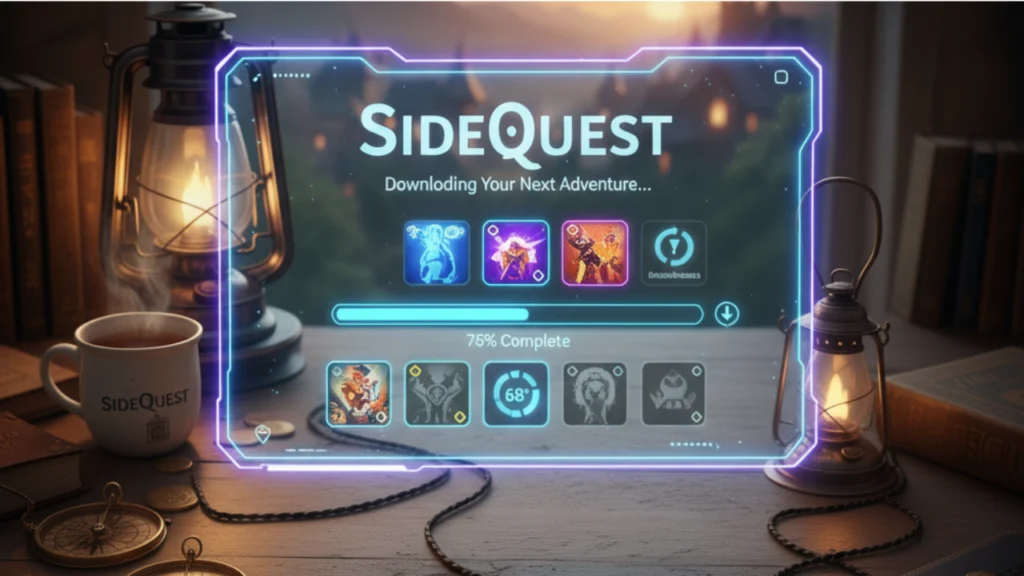
Prepare your headset
- Create or join a developer team in the Meta Horizon Developer Dashboard.
- Enable Developer Mode in the Meta Horizon mobile app: Devices → Headset Settings → Developer Mode.
- Connect the headset to your computer with USB-C and allow USB debugging when prompted in the headset.
Install SideQuest
- Download the SideQuest desktop/advanced installer from the official setup page.
- Open SideQuest and confirm your headset shows as connected (green dot).
- Optionally, install the SideQuest in-VR app to browse and manage apps from your headset.
Install your first app
- Find an App Lab or sideload an app
- Click Install (for APKs) or follow the App Lab link to the official Meta listing.
- In your headset, go to Apps → filter → Unknown Sources to launch sideloaded apps.
Go wireless (optional)
After one USB pairing, enable Wireless ADB in SideQuest to install over Wi-Fi.
SideQuest vs. Oculus/Meta Quest Store
| Topic | SideQuest | Meta Quest Store |
| Curation | Open, community-driven; lots of experimental content | Heavily curated; polished, mainstream titles |
| Discovery | App Lab directory + sideload-only apps | Store search, charts, editorial |
| Flexibility & freedom | Max flexibility; try mods, utilities, prototypes | Best for stability and one-click purchases |
| Risk & responsibility | You choose sources; read reviews before installing | Apps vetted by Meta |
| Path to success | Prove demand, gather ratings, then graduate to store | Final destination for mass-market reach |
Bottom line: the store is safe and streamlined; SideQuest offers freedom, flexibility, and content diversity that accelerates VR development and experimentation.
Real-world success stories
- Gorilla Tag began on App Lab, built a massive audience, and later launched on the main store earning tens of millions in revenue and record-breaking ratings. Proof that community-tested ideas can scale.
- Pavlov Shack ran a long App Lab beta, then moved to the main Meta Quest store as a full release, an example of SideQuest/App Lab as a runway to commercial launch.
- Power-user utilities like QuestGame Optimizer spread through the sideloading ecosystem, letting enthusiasts tweak visuals and performance for certain titles.
How SideQuest is shaping VR’s future
SideQuest lowers the barrier for creators, speeds up iteration, and keeps the VR community vibrant. Expect:
- More hybrid launches (SideQuest → App Lab → Store).
- Faster feedback loops for VR innovation, like mixed reality tools and hand-tracking experiments.
- A broader VR ecosystem where niche ideas find fans first, then scale.
Quick links to official resources
- SideQuest homepage and setup guide.
- Meta device setup and Developer Mode instructions.
- App Lab browsing on SideQuest.
FAQs
What is the Side Quest show about?
It is a comedy spin-off set in the same world as Mythic Quest. It follows the quirky adventures of developers, gamers, and dreamers navigating the chaos of game creation and office life, blending humor with heart.
What’s the point of Side Quest?
The show explores the creative struggles, friendships, and rivalries behind game development. It highlights how passion and ego collide in the gaming world, showing both the fun and the frustration of chasing innovation.
Is Side Quest a good show?
Yes, fans of Mythic Quest and workplace comedies will love it. The show mixes witty writing, relatable characters, and behind-the-scenes gaming drama in a light, enjoyable way.
Is Side Quest a spin-off of Mythic Quest?
Yes, Side Quest is officially a spin-off of Mythic Quest. It expands the universe, focusing on side characters and new stories that give more depth to the gaming studio’s world.
Is Side Quest trustworthy?
If you mean the platform, yes SideQuest (the VR app) is safe and widely trusted by Meta Quest users. But if you mean the show, it’s simply meant for entertainment and not a factual series.
Is Quest 2 shutting down in 2026? No official announcement confirms that. Meta continues to support Quest 2 with updates and games, though newer models like Quest 3 are taking the spotlight. The headset will likely remain usable beyond 2026
Conclusion
SideQuest stands as a vibrant community that fuels the imagination of VR enthusiasts and developers alike. It gives Meta Quest users the freedom to experience a wider range of virtual adventures, from indie games to groundbreaking experimental apps that push the limits of technology. Unlike the official store, SideQuest encourages innovation and curiosity by providing access to unique creations that might otherwise go unnoticed.
Developers find it to be an empowering platform to test new ideas and receive instant feedback, while players enjoy discovering fresh, immersive worlds. With its simple setup and endless variety, SideQuest has become the ultimate space for creativity, connection, and exploration in virtual reality. It keeps the VR ecosystem dynamic, reminding us that the future of gaming is built by those who dare to imagine more.