
The Oculus Quest 2 is one of the most popular standalone VR headsets in the world. The Oculus Quest 2 not turning on is a common issue that can leave you frustrated and wondering what went wrong. Whether your device is stuck on a black screen, not responding to the power button, or showing no signs of life, this guide is here to help.
Having your Oculus Quest 2 not turning on can be frustrating, especially when you’re eager to jump into the virtual world. Don’t worry there are several common fixes that could help get your device up and running again. In this guide, we’ll walk you through step-by-step solutions to troubleshoot and resolve the issue, ensuring that your headset works as expected.
In this comprehensive guide, we’ll walk through every possible cause and solution to get your VR headset powering up again.
1. Ensure Your Oculus Quest 2 Is Charged
The most common reason the Oculus Quest 2 might not turn on is a depleted battery. Before diving into other fixes, follow these steps:
- Check the charging cable and adapter: Make sure you’re using the official charging cable and power adapter. A non-compatible adapter can result in an inadequate charge.
- Inspect the charging port: Sometimes, dust or debris can obstruct the charging port. Gently clean it using a soft brush or compressed air.
- Allow the headset to charge: Plug your headset into a power source and leave it to charge for at least 30 minutes. Look for the charging LED indicator to ensure it’s charging properly.
If there’s no response, try using a different cable or adapter to ensure the issue isn’t related to faulty equipment.
2. Perform a Hard Reboot
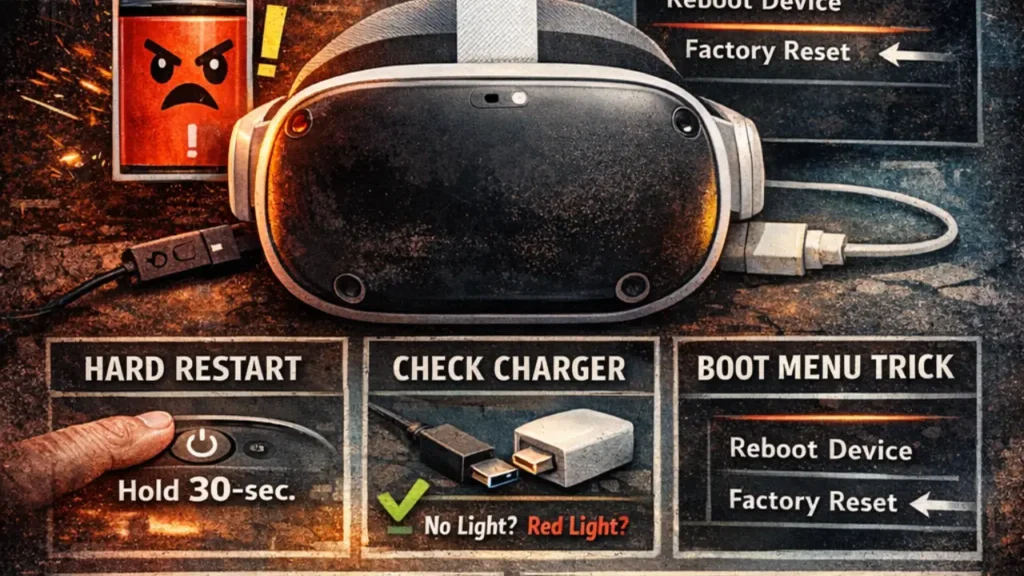
WhIf your Oculus Quest 2 still won’t power on, it could be a minor software glitch. A hard reboot can often solve the problem:
This forces the headset to reboot and can resolve many temporary software issues.
Press and hold the power button for 30 seconds.
3. Check for System Software Updates

Sometimes, outdated software can cause problems, including preventing your Oculus Quest 2 from turning on. Here’s what you can do:
Enable automatic updates: Ensure that your Oculus Quest 2 is set to automatically install software updates. This helps prevent issues from outdated firmware in the future.
Manually check for updates: Using the Oculus app on your mobile device or the headset itself, check for any available system updates. If an update is available, install it to ensure the headset is running the latest version.
4. Inspect the Power Button
Another simple fix could be an unresponsive or stuck power button. If the button isn’t working as expected, follow these tips:
- Press and hold the power button: Try pressing it a few times to check if it’s stuck or jammed.
- Clean the button: Sometimes, dirt or grime may cause the power button to malfunction. Use a soft cloth or compressed air to clean around the button.
If the button still isn’t responding, it may require professional repair or service.
5. Perform a Factory Reset
If none of the previous solutions work, and your Oculus Quest 2 is still stuck on a black screen or won’t turn on, a factory reset may be necessary. Keep in mind that this will erase all local data, apps, and games, but your purchases remain linked to your account.
How to Factory Reset:
- If your headset reaches the Boot Menu, select “Factory Reset”.
- Confirm your choice to erase all data and reset the device to its default settings.
Why This Works
A factory reset clears out any corrupted system files or settings that might be preventing the headset from starting up. It’s a more extreme measure, but it can solve deep-seated issues.
6. Contact Meta Store Support
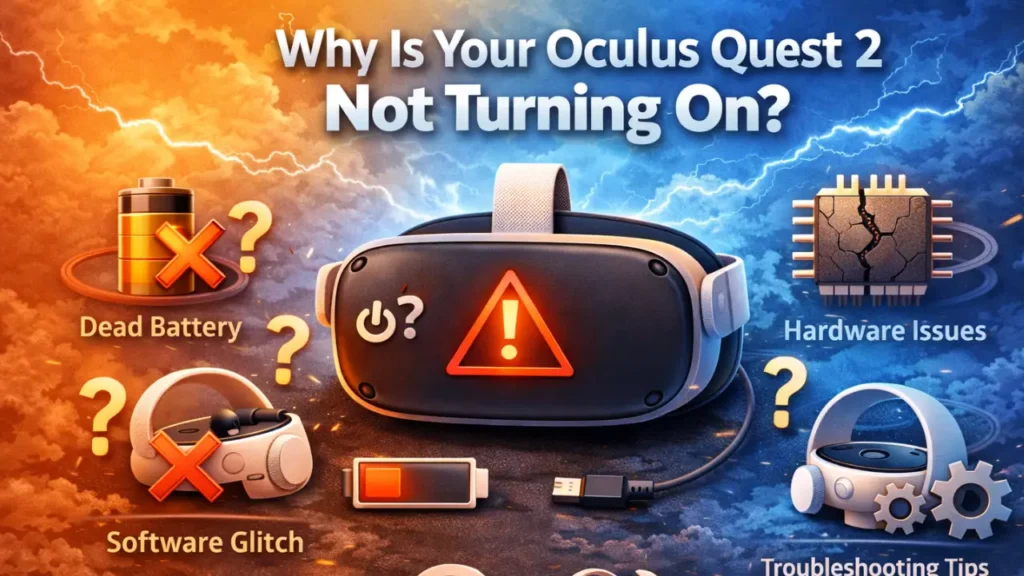
If you’ve tried all the troubleshooting steps above and your Oculus Quest 2 still won’t turn on, it’s possible that there’s a hardware issue, such as a damaged battery or charging port. In this case, it’s time to reach out to Meta Store Support for assistance.
What to Expect
- Meta support will likely ask you to provide details about the issue and the troubleshooting steps you’ve already taken.
- If a hardware failure is suspected, they may recommend a replacement or repair.
Common Symptoms & What They Mean
| No LED indicator | Fully drained battery or hardware fault |
| LED blinking but no boot | Firmware or boot loop |
| Screen remains black but headset seems powered | Display or firmware glitch |
| Stuck on Meta / Horizon OS logo | Software issue or update failure |
Best Practices to Prevent Power Issues
– Keep firmware updated via the Meta Quest app
– Avoid third‑party chargers/cables they may not deliver stable power
– Store properly if unused for long periods avoid complete discharge.
Conclusion
If your Oculus Quest 2 not turning on, don’t panic follow these troubleshooting steps to resolve the issue. From force restarting the headset to checking the LED indicator and using the Boot Menu, you have several methods to try before seeking professional help.
People mostly search using the following phrases
- Oculus Quest 2 Not Turning On
- Oculus Quest 2 troubleshooting
- Fix Oculus Quest 2
- Oculus Quest 2 not powering on
By following these steps, you’ll increase your chances of getting your Oculus Quest 2 back to normal without too much hassle. If all else fails, remember to contact Meta Store Support for further assistance.
FAQ
Is Quest 2 shutting down in 2027?
As of now, there are no official announcements that the Oculus Quest 2 will shut down in 2027. The device is expected to receive updates and support for several more years, but specific details about the timeline remain uncertain.
Can you replace the battery in a Quest 2?
Replacing the battery in a Quest 2 is not officially supported by Oculus, as it requires disassembling the device, which can void your warranty. However, it’s possible through third-party services if you’re comfortable with the risks.
What do I do if my Oculus Quest 2 is not turning on?
If your Oculus Quest 2 isn’t turning on, try charging it first, perform a hard reboot by holding the power button for 30 seconds, and check for any software updates. If that doesn’t work, you might need to perform a factory reset or contact Oculus support.
How to force start Quest 2?
To force start the Quest 2, press and hold the power button for at least 30 seconds. This will reboot the headset and can resolve minor software issues that prevent it from powering on.
What is the lifespan of a Quest 2?
The Oculus Quest 2 has a typical lifespan of around 3-5 years, depending on usage and how well it is maintained. Software updates and support may continue for a few years after the hardware’s prime.
Why is my Oculus not charging or turning on?
If your Oculus isn’t charging or turning on, check the charging cable, adapter, and port for any issues. A drained battery, faulty equipment, or a system glitch could be causing the problem, so try restarting the device or charging it with a different setup.
Is the black screen of death fixable?
Yes, the black screen of death on the Oculus Quest 2 is fixable in most cases. Try performing a hard reboot, checking the charging status, or resetting the device. If the issue persists, consider contacting Oculus support.
What to do if Oculus Quest 2 won’t turn on?
If your Oculus Quest 2 won’t turn on, ensure it is charged, try holding the power button for 30 seconds to force a reboot, and check for software updates. If it still doesn’t work, a factory reset or reaching out to support may be necessary.