
The Oculus Quest 2 controllers are the primary input devices for the Meta Quest 2 VR headset, designed to deliver an accurate, intuitive, and immersive virtual reality experience. These motion controllers, sometimes called Quest 2 touch controllers, use inside‑out tracking, haptic feedback, and ergonomic design to translate real hand movements into the virtual space, making them central to any AR/VR interaction.
Despite their innovative design and widespread popularity among VR players, many users still face persistent issues with tracking, battery life, connectivity, and more. This article explores these Oculus Quest 2 controller problems, why they happen, and how to fix them, with practical troubleshooting tips, facts and figures, and expert recommendations.
What Are Oculus Quest 2 Controllers?
The Oculus Quest 2 controllers are motion-sensing input devices that enable users to interact with virtual environments in 3D. They are an essential part of the Meta Quest 2 VR system, providing hand tracking and intuitive control over virtual actions, such as picking up objects, firing weapons, or navigating menus.
Tracking Technology:
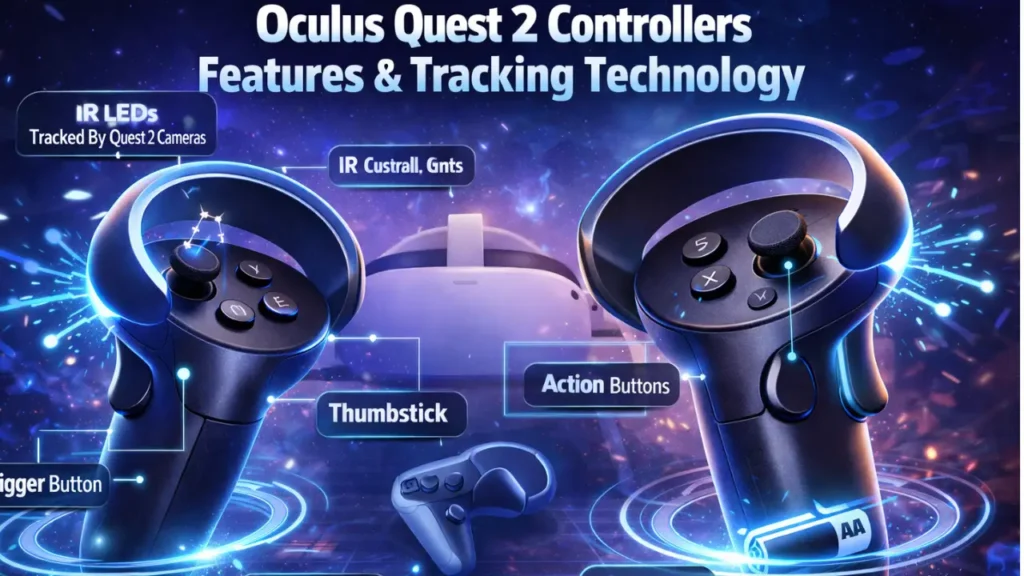
The controllers use infrared LED rings that are tracked by the Quest 2’s external cameras. These cameras detect infrared light from the controllers, enabling precise six degrees of freedom (6DOF) tracking. This technology enables smooth, responsive movement detection, making VR interactions feel more realistic.
Ergonomics and Design:
The controllers are lightweight and feature ergonomic grips that fit comfortably in your hands. They feature intuitively placed triggers, thumbsticks, and buttons to maximise ease of use during long VR sessions.
Key Features & Specs of Oculus Quest 2 Controllers
Tracking Performance:
The inside-out tracking allows the Oculus Quest 2 controllers to track movement accurately within your play area without the need for external sensors. This is a huge benefit, especially for users who don’t want to deal with external hardware.
- Controller Rings: The infrared sensor rings help track controllers even when you move them in and out of view, though they may struggle in direct sunlight or overly bright environments.
- Battery Life: The controllers are powered by 1 AA battery each, with battery life typically lasting 1 to 3 months, depending on your usage and the type of batteries you use.
Comfort and Build:
The controllers are designed for comfort, even during extended play sessions. They are lightweight and fit most hand sizes, with a soft-touch plastic grip. The ergonomic design reduces hand fatigue, making them ideal for VR games that require long, continuous interaction.
Oculus Quest 2 Controller Review
Design & Ergonomics:
The Oculus Quest 2 controllers feature a sleek design with well-placed buttons, making them comfortable and intuitive to use. The grip is textured, providing a firm hold, while the thumbsticks and buttons are easy to reach, even for extended play sessions.
- Comfortable Fit: The controllers are lightweight, helping reduce hand fatigue during prolonged VR use. The soft-touch material ensures a solid grip.
- Ergonomic Design: The controller’s design is well-suited for a variety of hand sizes. Whether you’re playing active games or engaging in lighter, more casual experiences, the controls feel natural and easy to manoeuvre.
Tracking Performance:
The tracking on the Oculus Quest 2 controllers is impressive overall. The infrared LED system allows for highly accurate tracking of hand movements. The tracking works best in low-to-medium lighting conditions and can handle fast, fluid movements without lag or jitter.
However, users have reported tracking issues when playing in bright light or direct sunlight. This is because the infrared sensors may struggle to communicate with the cameras.
Battery Life:
The controllers require 1 AA battery each. In general, you can expect 1 to 3 months of usage from standard AA alkaline batteries. If you play intensely or use features like haptic feedback frequently, the battery may drain faster.
- Rechargeable Batteries: Using NiMH rechargeable batteries can be a more cost-effective and eco-friendly option in the long run. They often provide similar performance to disposable batteries but can be reused.
Gaming Experience:
The haptic feedback in the Oculus Quest 2 controllers is another standout feature, providing a vibrational response to simulate in-game actions. Whether you’re feeling the rumble of a car engine in a racing game or the impact of a sword in a fantasy battle, the feedback adds to the immersion of the experience.
Common Oculus Quest 2 Controller Issues & Solutions
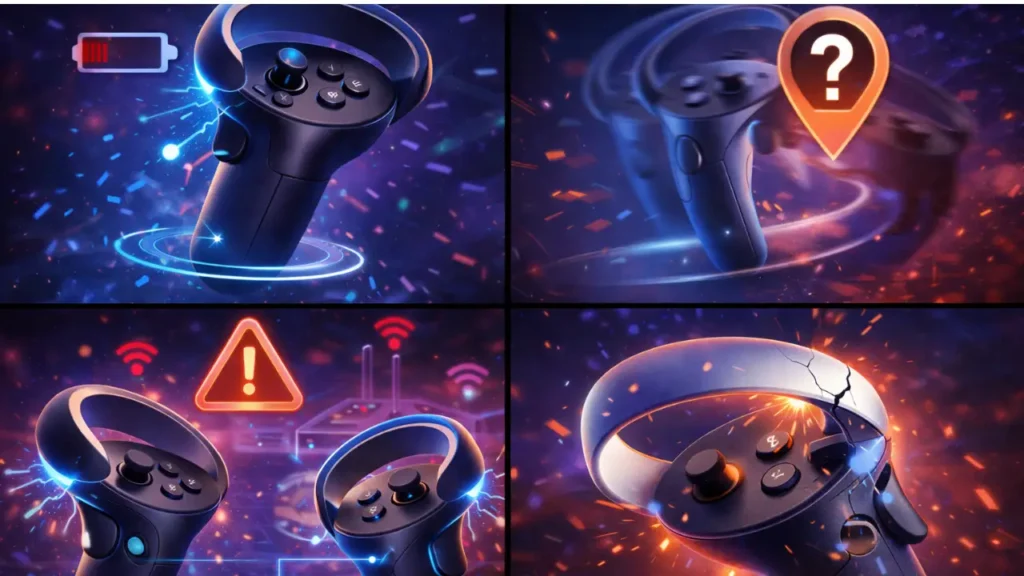
Issue #1 — Battery Draining Quickly
Symptoms:
- Controllers seem to run out of battery much faster than expected.
Cause & Solution:
- Cause: The Oculus Quest 2 controllers use AA batteries, which can drain faster than built-in rechargeable batteries.
- Solution:
- Switch to high-quality rechargeable AA batteries, which tend to last longer and cost less.
- If you’re using alkaline batteries, replace them regularly, especially if you play intensive VR games.
Issue #2 — Controllers Not Connecting
Symptoms:
- The controllers fail to pair with the Oculus Quest 2 headset.
Cause & Solution:
- Cause: Often, this is due to battery contact issues or a minor firmware glitch.
- Solution:
- Re-pair the controllers through the Settings menu on your headset.
- Remove and reinsert the batteries to ensure proper contact.
- Restart your headset to reset the connection.
Issue #3 — Tracking Loss or Drift
Symptoms:
- The controller appears to move on its own or loses tracking during gameplay.
Cause & Solution:
- Cause: Controller drift can occur if the sensor rings are obstructed or dirty.
- Solution:
- Clean the sensor rings with a soft microfiber cloth to remove dirt and debris.
- Check your environment: Ensure no reflective surfaces or direct sunlight interfere with the tracking system.
- Re-calibrate the controller in the Oculus settings.
Issue #4 — Intermittent Disconnects
Symptoms:
- The controller randomly disconnects or stops responding during gameplay.
Cause & Solution:
- Cause: This is often due to Bluetooth interference or a low battery.
- Solution:
- Move away from Wi-Fi routers or large metal objects that can cause interference.
- Replace the batteries or use rechargeable batteries for more reliable power.
Conclusion
The Oculus Quest 2 controllers are indispensable for immersive VR gaming and applications; like all hardware, they can face issues such as software quirks, battery behaviour, tracking limitations, and physical wear. By understanding the root causes and applying the fixes outlined above, most users can quickly resolve common problems and extend the life of their controllers.
From battery optimisation tips to precision-trackingrepair methods, this guide equips you with everything you need to maximise performance from your Quest 2 motion controllers.
FAQs
How long do Oculus Quest 2 controllers last on a single battery?
On average, the Oculus Quest 2 controllers will last anywhere from 1 to 3 months on a single set of AA batteries, depending on usage. High-intensity games or frequent haptic feedback can drain the battery faster. Using rechargeable AA batteries can save you money and reduce waste.
How do I pair my Oculus Quest 2 controllers with the headset?
To pair the controllers with your Oculus Quest 2, follow these steps:
-
- Power on your Oculus Quest 2 headset.
- Press and hold the Oculus button on each controller to pair them with the headset. The controllers should automatically sync after you follow the on-screen prompts.
- If the controllers don’t pair, go to the Devices menu in the settings and select Pair Controller to manually sync them.
Why is my Oculus Quest 2 controller not working?
If your Quest 2 controller isn’t working, it could be due to:
-
- Battery issues: Try replacing the batteries with new ones.
- Tracking problems: Ensure that the controller’s IR sensors are clean and unobstructed.
- Connectivity problems: Re-pair the controller via the headset settings or reset it by turning the headset off and back on.
Can I use Oculus Quest 2 controllers with other VR headsets?
Oculus Quest 2 controllers are designed specifically for the Oculus Quest 2 and Meta Quest 2 headsets. They are not officially compatible with other VR headsets, such as the HTC Vive or PlayStation VR. However, some users have successfully used third-party adapters for limited cross-platform functionality.
How can I fix Oculus Quest 2 controller drift?
If you experience controller drift, try these fixes:
-
- Reset controller settings: Go to the Settings menu on your Oculus Quest 2 and reset controller configurations.
- Clean the controller: Dirt and debris can obstruct the controller’s sensors. Clean the sensor ring with a microfiber cloth.
- Check the batteries: Sometimes weak batteries cause issues with tracking and input.
How can I adjust the controller settings for better performance?
You can adjust various settings to optimise your Oculus Quest 2 controller performance:
-
- Haptic feedback intensity: Reduce vibration strength to save battery and improve comfort.
- Thumbstick sensitivity: Adjust the controller’s sensitivity in Settings > Devices > Controllers.
Do I need to update my Oculus Quest 2 controllers?
Yes, it’s a good practice to keep your Oculus Quest 2 controllers up to date. Oculus periodically releases firmware updates that improve controller performance, fix bugs, and add new features. Ensure your Quest 2 headset is connected to Wi-Fi for automatic updates.
Can I replace broken or damaged Oculus Quest 2 controllers?
Yes, you can replace damaged Oculus Quest 2 controllers. Visit the Meta (formerly Oculus) support website to request a replacement if your controller is defective or has physical damage.
Can I use rechargeable batteries for my Oculus Quest 2 controllers?
Yes, you can use rechargeable AA batteries in your Oculus Quest 2 controllers. They can be a more eco-friendly and cost-effective option. Just make sure to use high-quality rechargeable batteries, like NiMH (Nickel-Metal Hydride).