
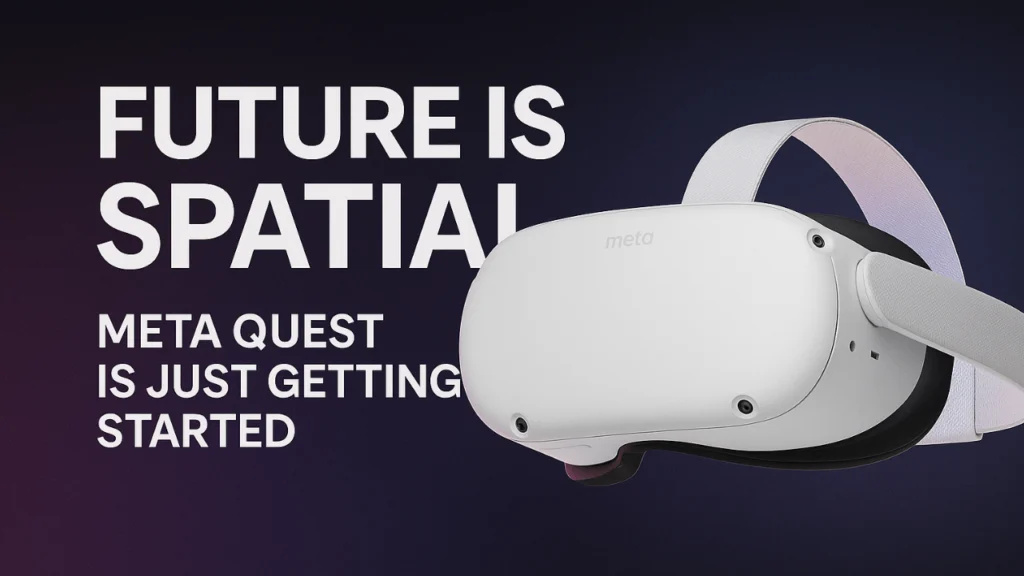
The Meta Quest is a line of truly cutting-edge Virtual Reality headsets made by Meta Platforms, formerly known as Facebook/Oculus. It’s the spiritual successor to the groundbreaking Oculus line, marking a huge evolution from cabled VR to a completely wireless experience.
Think of it like a superhero smartphone for your face. It’s a powerful, self-contained computer that runs an entire VR ecosystem on its own. It has its own processor, storage, and screen built right into the sleek headset.
This standalone design is the secret ingredient. You just put it on, and you’re instantly there. That’s a huge, huge difference.
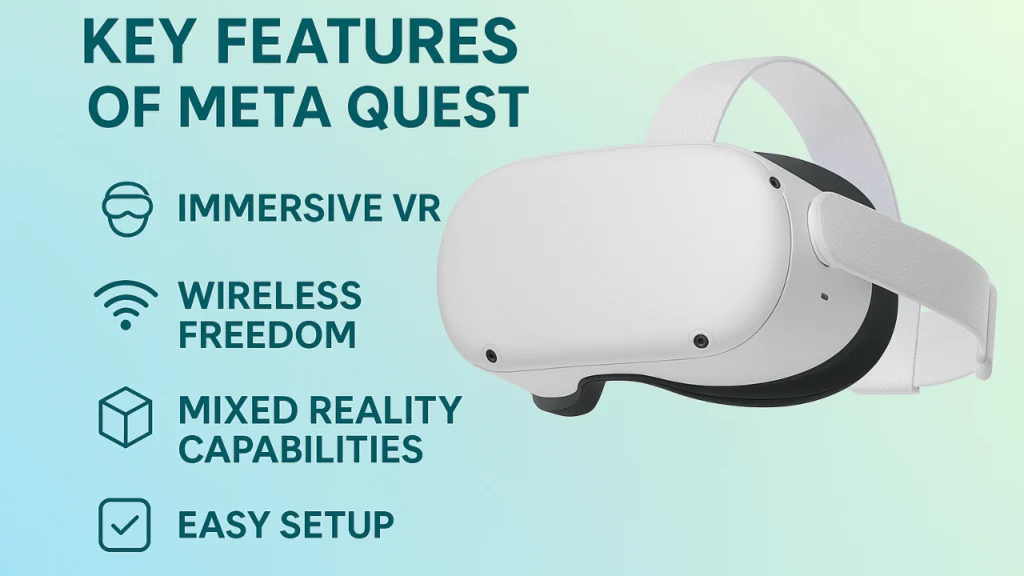
Key Features That Make the Meta Quest Shine
Truly Wireless VR
This is the big game-changer that gives you total freedom. There are absolutely no PC cables tying you to a desk. You get full 360-degree movement. You can actually walk around in your virtual space, and that’s a massive leap in immersion.
Mixed Reality Capabilities
This feature feels like science fiction. The headset uses external cameras to show you a full-color, HD view of your actual physical room. But then, it seamlessly blends virtual objects into it. Imagine playing a virtual board game on your real coffee table or having a massive, floating virtual monitor in your office. It’s the ultimate mixed reality experience.
Intuitive Hand Tracking
Sometimes you don’t even need the controllers! The Meta Quest lets you navigate menus, tap buttons, and even play certain games using just your bare hands. It feels incredibly natural, like magic you can control.
Beyond Gaming: Real Stories of Life in the VR Ecosystem
While VR gaming is absolutely amazing and tons of fun, the true magic of the Meta Quest lies in its versatility. People are using it to do things you might never expect.
Fitness That Doesn’t Feel Like Chores
Who likes a boring treadmill session? Nobody! In the Meta Quest world, fitness is exhilarating. Games like Beat Saber or Supernatural turn your workout into a heart-pumping rhythm or boxing game. You’re not just burning calories; you’re slicing blocks with digital lightsabers or punching flying targets. Because you actually want to keep playing, you stick with your fitness goals. It just works.
Real Talk
I spoke to a user named Marco who used VR fitness to recover from an injury. He told me, “I couldn’t handle the gym’s crowds, but when I put on my Meta Quest, I’m boxing in a massive digital arena. It changed my relationship with exercise because I actually look forward to it now.”
Learning By Doing The Fun
Imagine studying human anatomy by actually walking inside a giant virtual heart, or practicing a delicate medical procedure without risking a patient. That’s the power of VR learning. Companies are using the Meta Quest for complex, hands-on training, and students are taking field trips to ancient Egypt or the bottom of the ocean. It’s active, memorable learning, not just staring at a flat screen.
Connecting and Creating Across the Globe
With so many of us working remotely, the Meta Quest is changing how teams meet. Instead of staring at flat video boxes, you can join a virtual meeting room as a 3D avatar. You can draw on a collaborative whiteboard, walk up to a co-worker to have a private chat, and truly feel like you’re present, not just looking at a name tag. For artists, apps like Tilt Brush let you paint massive 3D sculptures you can literally walk around in. Your living room becomes an infinite canvas.
Power of Side Quest
The official Meta Quest Store is fantastic, offering thousands of high-quality VR apps, but the community loves tinkering. And that’s where Side Quest comes in.
Side Quest is a third-party platform that acts like an unofficial, community-driven app store for the Meta Quest headset. It lets users sideload content, meaning they can easily install games and apps that haven’t been approved for the main store.
- It’s the Indie Developer Playground: SideQuest is an awesome place for independent developers to test experimental concepts, release early-access games, and even share full, free experiences.
- Expanded Possibilities: You’ll find great tools, utilities, and a massive selection of creative experiences you can’t get anywhere else. It’s what connects the core Meta platform to the wider tech enthusiast community, making the VR ecosystem incredibly rich and customizable.
Ready to Dive In? Setup for Beginners

Taking your first steps into VR shouldn’t be confusing. You’ll be surprised at how easy it is to get started with the Meta Quest.
- Charge It Up: Plug your new Meta Quest headset into a power source. You’ll definitely want a full charge before your first big exploration.
- Download the Mobile App: Grab the official Meta Horizon app on your phone. This is what you’ll use to set up your account and link your device.
- Define Your Space (Guardian): This is the single most important step for safety! The headset will ask you to draw a virtual boundary around your safe play area using the controller. This Guardian system ensures you don’t accidentally punch a wall or trip over your cat while you’re fully immersed.
- Explore the Tutorial: Meta Quest offers a short, fun introductory experience. Take the time to do it. It teaches you how to move, grab, and interact.
- Download Your First App: Use the headset’s store to download a free demo game or a social app like Horizon Worlds. You’re ready to go! Welcome to the future!
Meta Quest vs. The Rest: Comfort and Value
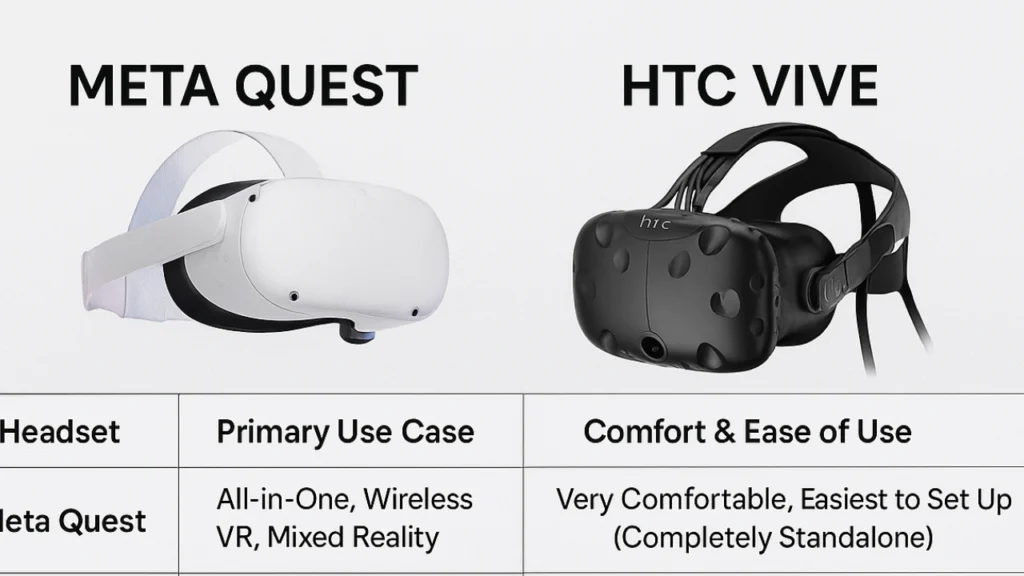
The Meta Quest isn’t alone in the market, but it holds a unique, powerful position. We should talk about how it compares to other major players, like the HTC Vive or PlayStation VR, so you can make the right choice.
| Headset | Primary Use Case | Comfort & Ease of Use | Why People Choose It |
| Meta Quest | All-in-One, Wireless VR, Mixed Reality | Very Comfortable, Easiest to Set Up (Completely Standalone) | Best Value/Accessibility. You don’t need an expensive gaming PC—just charge and play. |
| HTC Vive (PC VR) | PC-Tethered, High-Fidelity Graphics | Good, but needs extra sensors and a cable (less simple) | For the hardcore enthusiast who already owns a top-tier gaming PC and wants the absolute highest graphics. |
Meta Quest wins hands down for wireless VR freedom and sheer accessibility. It’s the most frictionless way to jump into a deep immersive experience. You don’t need to be a tech genius or buy a $2,000 PC for it. That’s why it’s driven such huge, massive growth in the consumer VR market.
Future is Spatial: Meta Quest is Just Getting Started
So, what’s next for this amazing technology? The Meta Quest line is not just a passing trend. It’s a foundational step towards the next era of Virtual Reality.
The focus is rapidly shifting from VR (fully virtual worlds) to mixed reality, blending the virtual and the real. Future Meta Quest devices will push this idea even further. You’ll see higher-resolution passthrough, AI-driven digital assistants, and a much more seamless blend between our real and virtual lives.
Your physical home won’t just be a place to put your headset down. It will become a dynamic part of your VR gaming and productivity experiences. We’re moving toward a future where we won’t use apps on a screen, we’ll use them in our space.
Finally, the Meta Quest is your personal, portable portal to that future. It’s an adventure that’s constantly evolving, don’t miss out. You’ll find it’s a truly incredible world to step into.
Frequently Asked Questions
Is the Meta Quest a standalone headset, or does it require a PC?
The Meta Quest is primarily a standalone Virtual Reality headset. It operates completely on its own without a PC or console, giving you true wireless VR freedom. But you can optionally connect it to a powerful gaming PC via cable or wirelessly to play high-end PC VR games on platforms like SteamVR.
What are the best apps for beginners to feel that immersive experience?
For a great immersive experience, I’d recommend checking out:
- Beat Saber: It’s an incredibly addictive rhythm-slicing game (and a great workout!).
- Rec Room: A free, fun social VR ecosystem with lots of mini-games and an easy community feel.
- First Steps/First Contact: These introductory tutorials are included and really showcase the headset’s features.
What is the difference between the Meta Quest and Oculus?
Don’t worry, they’re the same product line! Oculus was the original company name. After Facebook changed its name to Meta, the company rebranded its Oculus Quest products as Meta Quest. They’re the same excellent Virtual Reality headset, just with a new name that reflects the shift toward the larger VR ecosystem and “metaverse” concept.
How can I get more content than what’s in the official store?
So glad you asked! You can explore SideQuest! This amazing platform allows you to sideload content, installing apps and games directly onto your Meta Quest that are not available in the official store. It’s a goldmine for experimental games, beta tests, and developer tools.
Is the battery life going to be an issue during long VR gaming sessions?
Like many powerful wireless VR devices, the battery life is generally limited, typically lasting 1.5-3 hours depending on the activity. The good news is that you can easily buy inexpensive third-party accessories, like battery head straps, to extend your playtime and make the headset even more comfortable.